Offer two routes into the catalog
Visitors who know the component can browse directly. Those starting with a roof can use the calculation flow to build a selection.
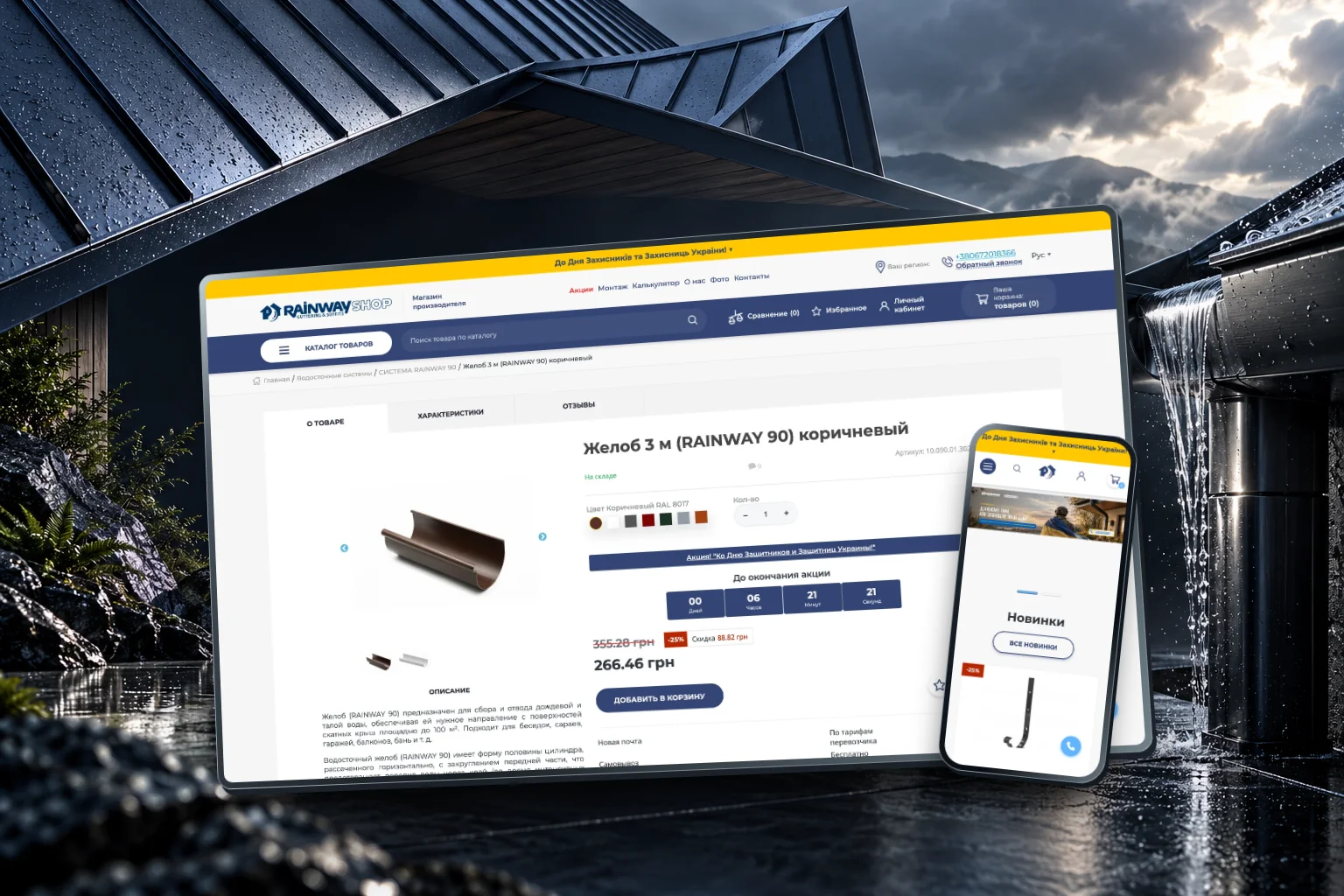
01 / The idea
Choosing a rainwater system means understanding how individual components work together. Rainway connects a conventional product catalog with a guided calculation flow.
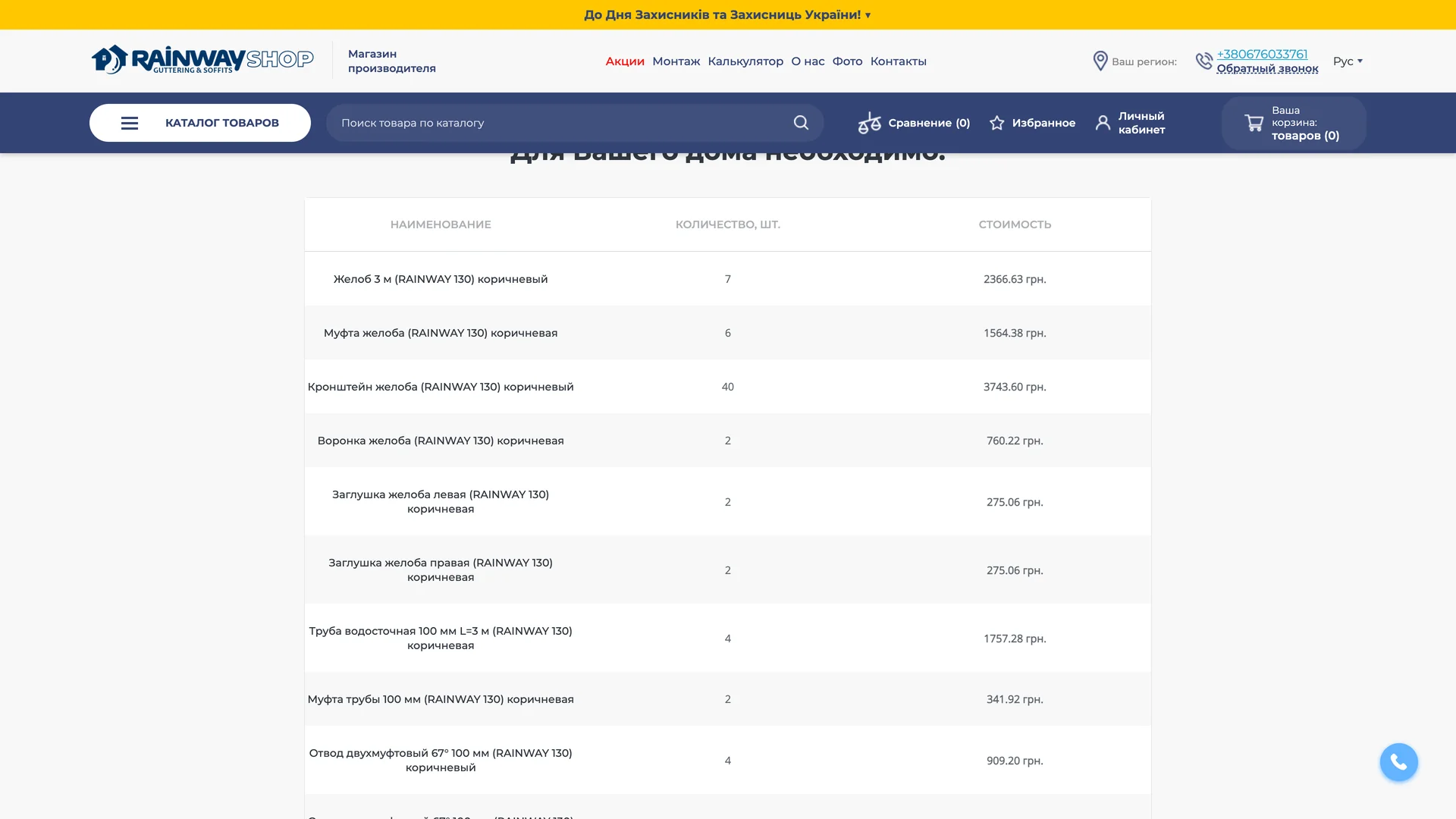
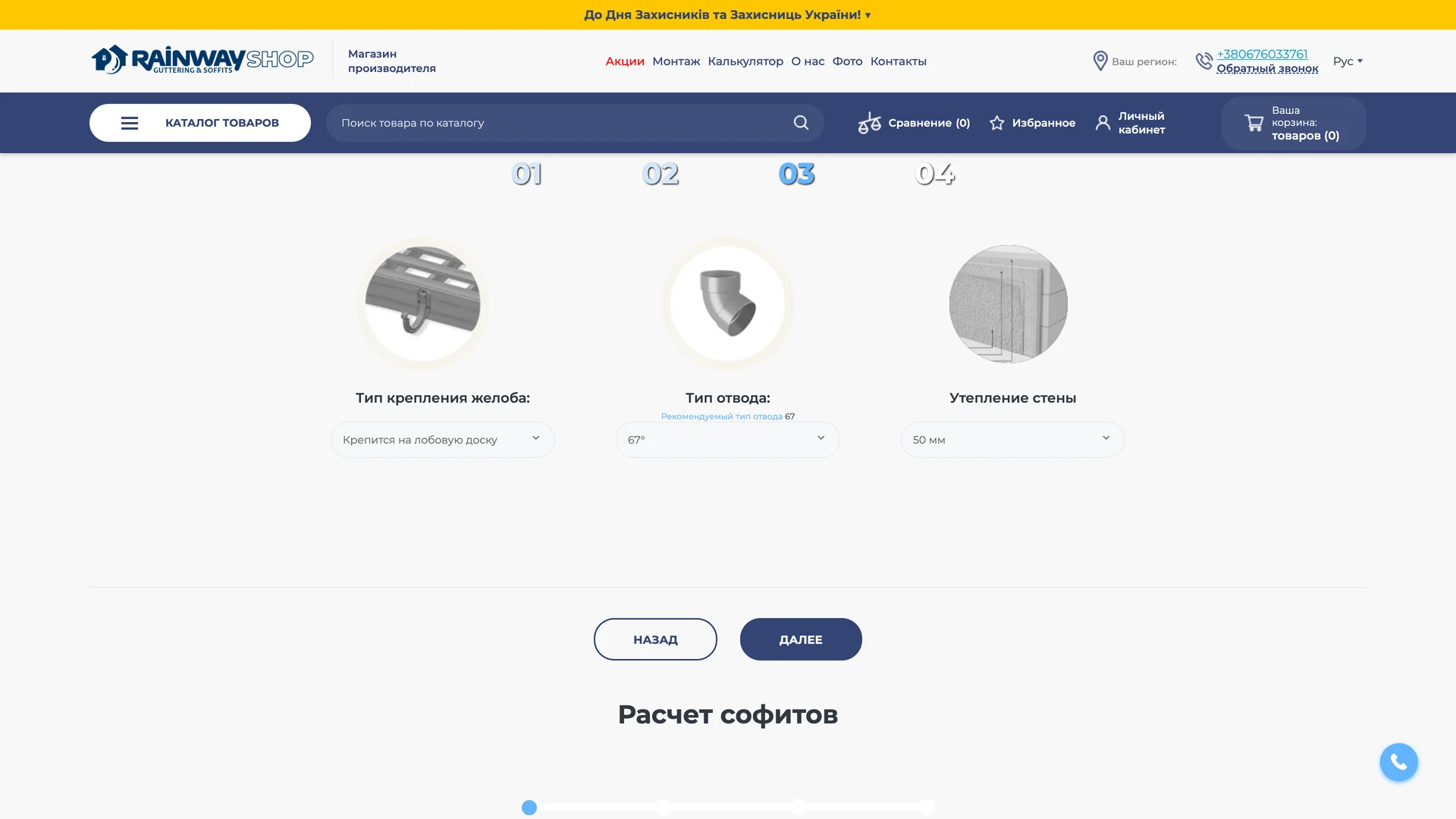
Roof type, dimensions, fixing options and color are introduced in sequence. The result translates those choices into a list of components that can be inspected alongside the store.
02 / In motion
Follow the calculator from roof selection and dimensions to a suggested list of components.
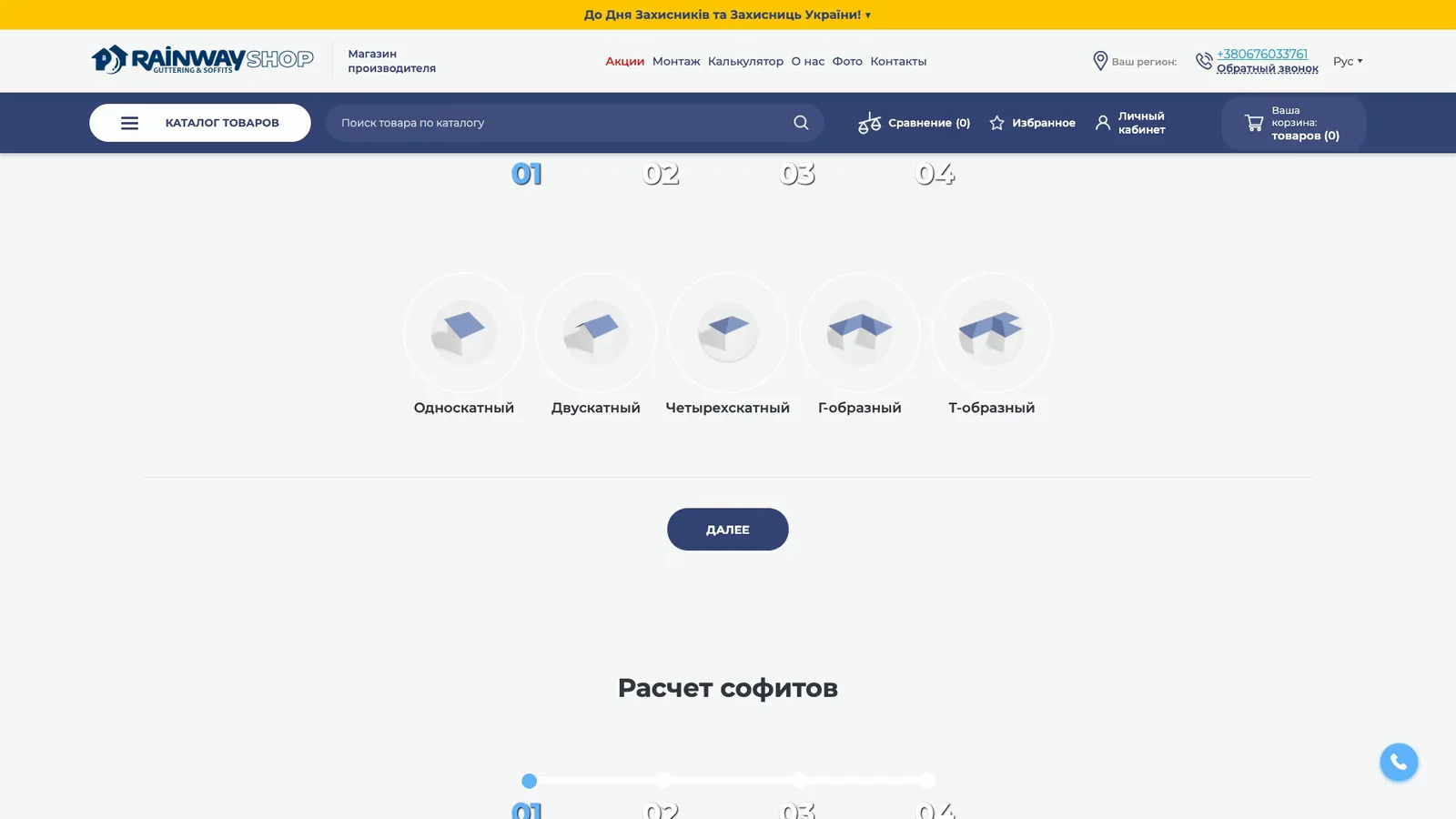
03 / The experience
The catalog offers a direct route to individual parts. The calculator provides another route for visitors starting with the building itself.
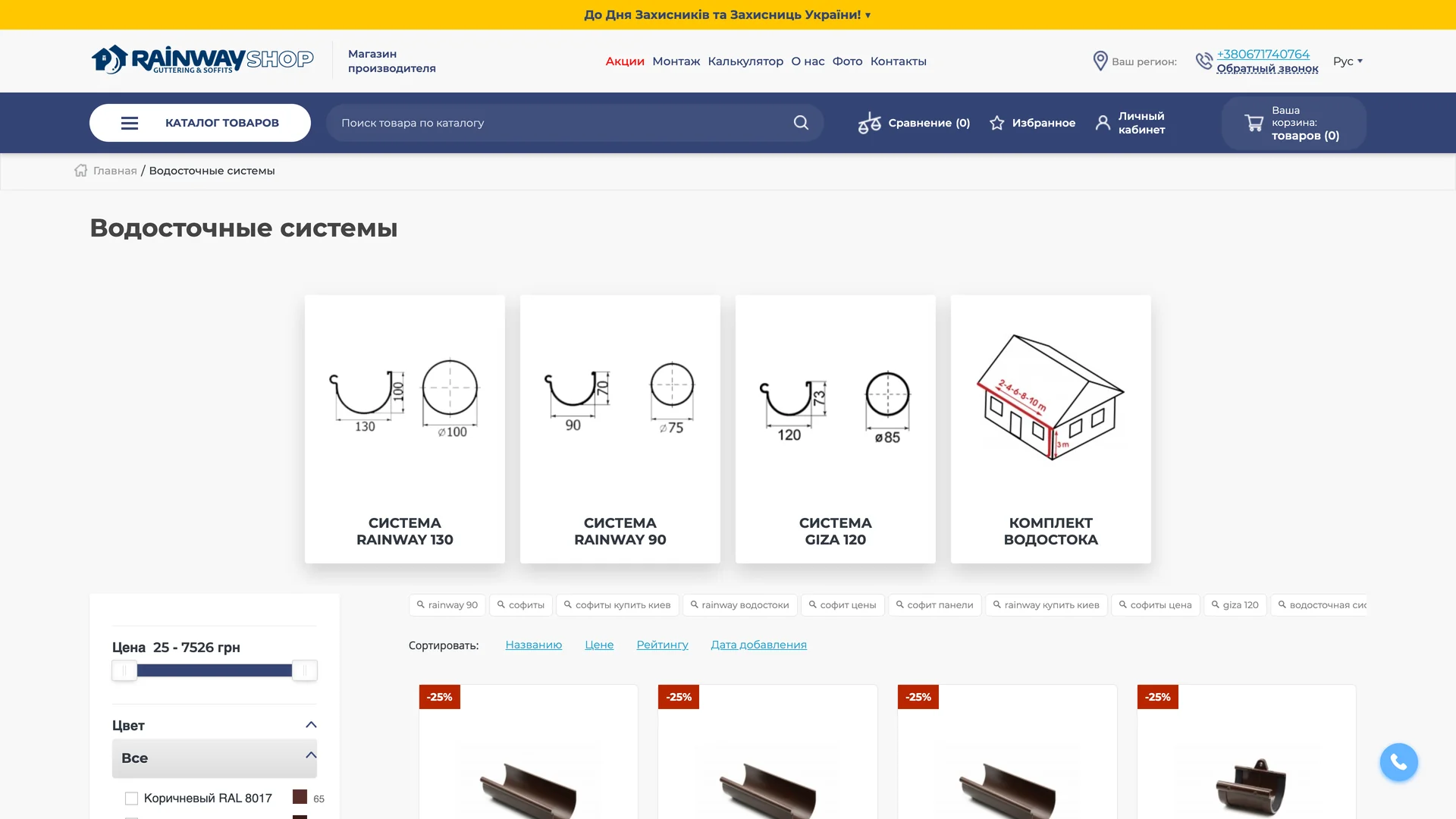
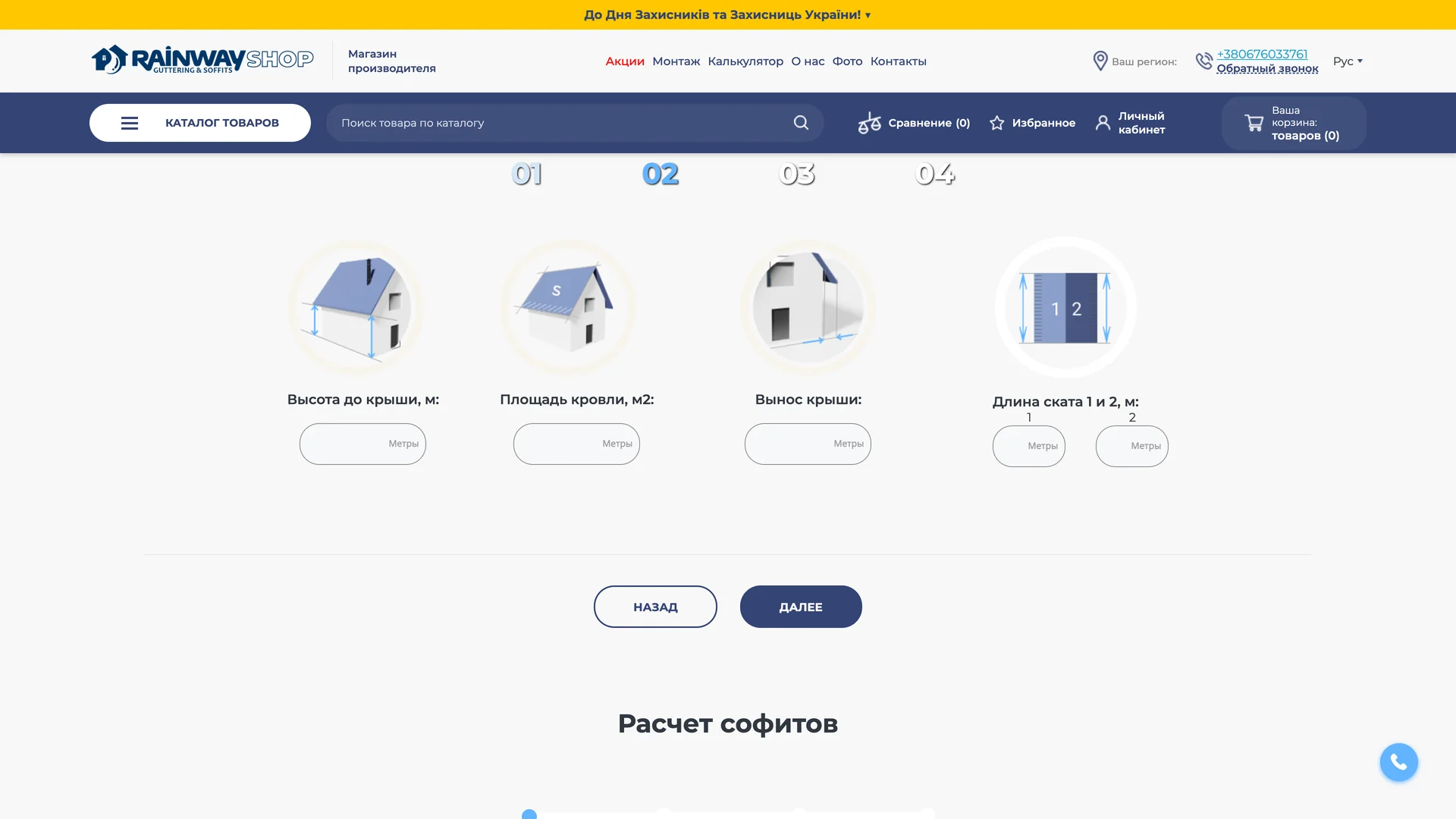
04 / Design decisions
Visitors who know the component can browse directly. Those starting with a roof can use the calculation flow to build a selection.
Illustrated roof types, dimensions, fixing choices and color appear in stages. Each screen keeps the current question in focus.
The configuration ends in a component list. Product pages provide the corresponding options and specifications within the same store.
05 / The mobile experience
The calculator rearranges its illustrated roof options vertically on a phone, keeping each choice and its label together.

Rainway. This case presents the supplied version of the website. Images and films are direct recordings, selected and edited for presentation; the cover combines actual desktop and mobile captures with an AI-generated background scene.
Displayed content, product information and estimates belong to the captured version.